
Import a spreadsheet safely
Map, check and apply records rather than guessing the column order.
Where to go
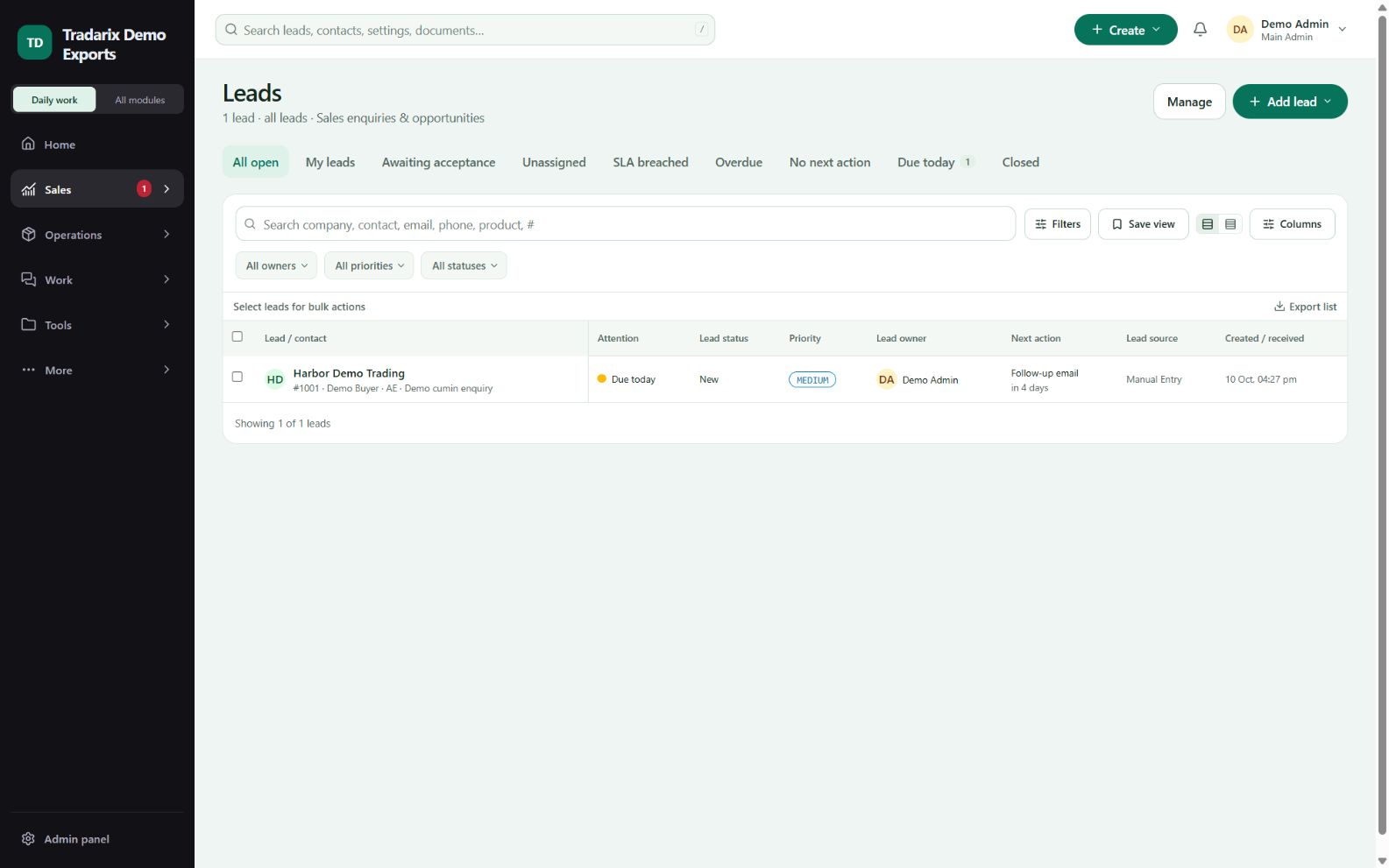
Leads / Contacts → Import / Bulk update
Step by step
Open the import action for the correct record type and choose the intended create/update mode.
Upload the supported file and map each header to the matching CRM field.
Review required values, owners, duplicate matches and row errors before applying.
Apply once and review the import result. Search sample records to confirm the expected changes.
Demo headers: Name, Email, Product, Quantity; use only fictional sample rows during practice.
FAQ
Why did update-only import not create unmatched rows?
That mode intentionally updates matched records only; unmatched entries stay uncreated.
Read related guide →Reviewed 10 October 2026 · CRM 0.53.1