
Create a personal pipeline board
Organise your permitted leads into your own stages.
Where to go
Sales → Pipeline → board controls
Step by step
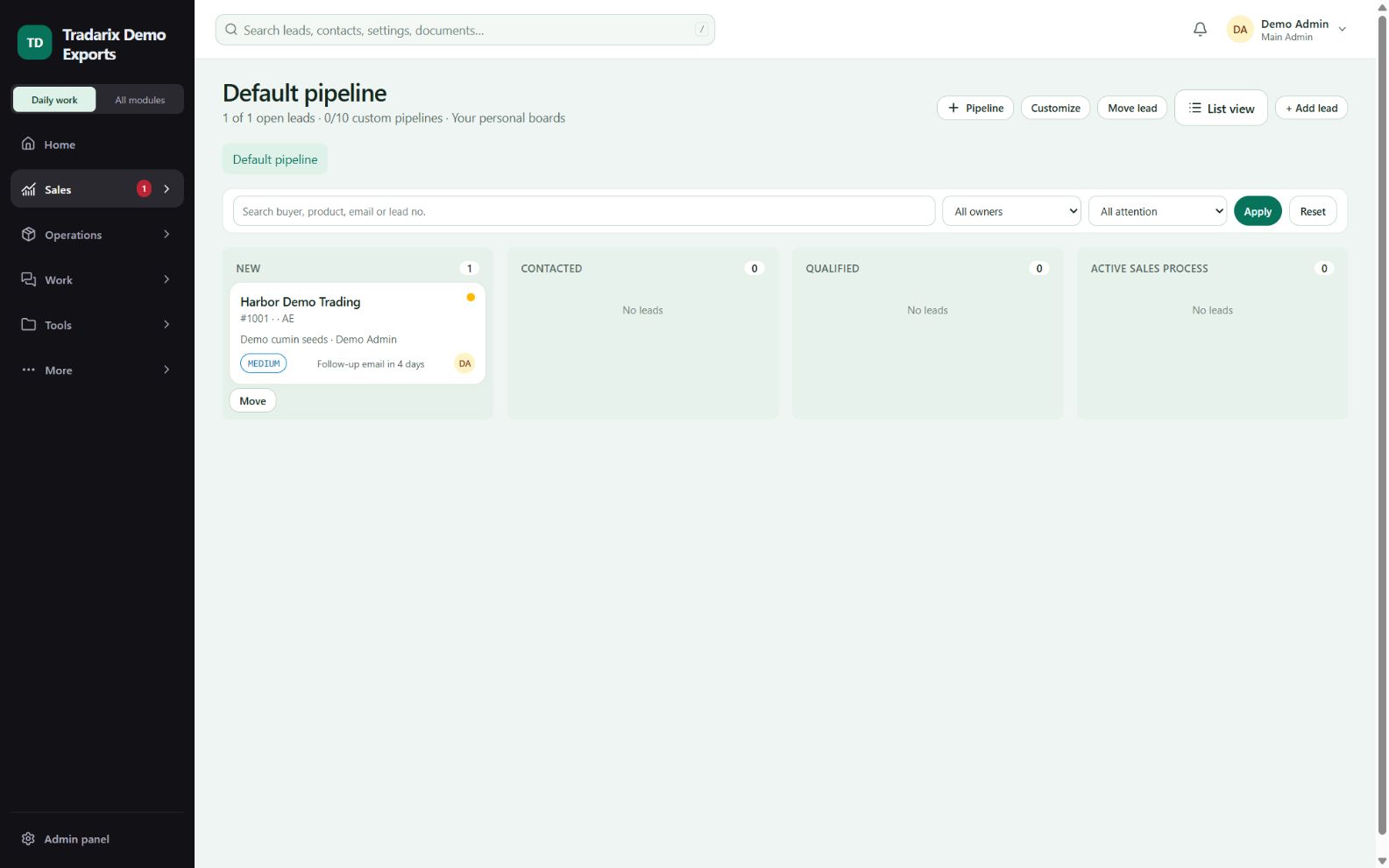
Open Pipeline and use the custom/personal board controls.
Name the board and set useful stages for your workflow.
Add permitted leads and move them using the available board actions.
Review filters and stage details to inspect the visible leads.
Demo stages: New enquiry → Waiting for specification → Follow-up.
FAQ
How many personal pipeline boards can I have?
Up to ten per user. Boards still contain only permitted leads.
Read related guide →Reviewed 10 October 2026 · CRM 0.53.1