
Filters, columns & empty lists
Find the right view without mistaking filtered results for missing data.
Where to go
Leads / Contacts / Companies list
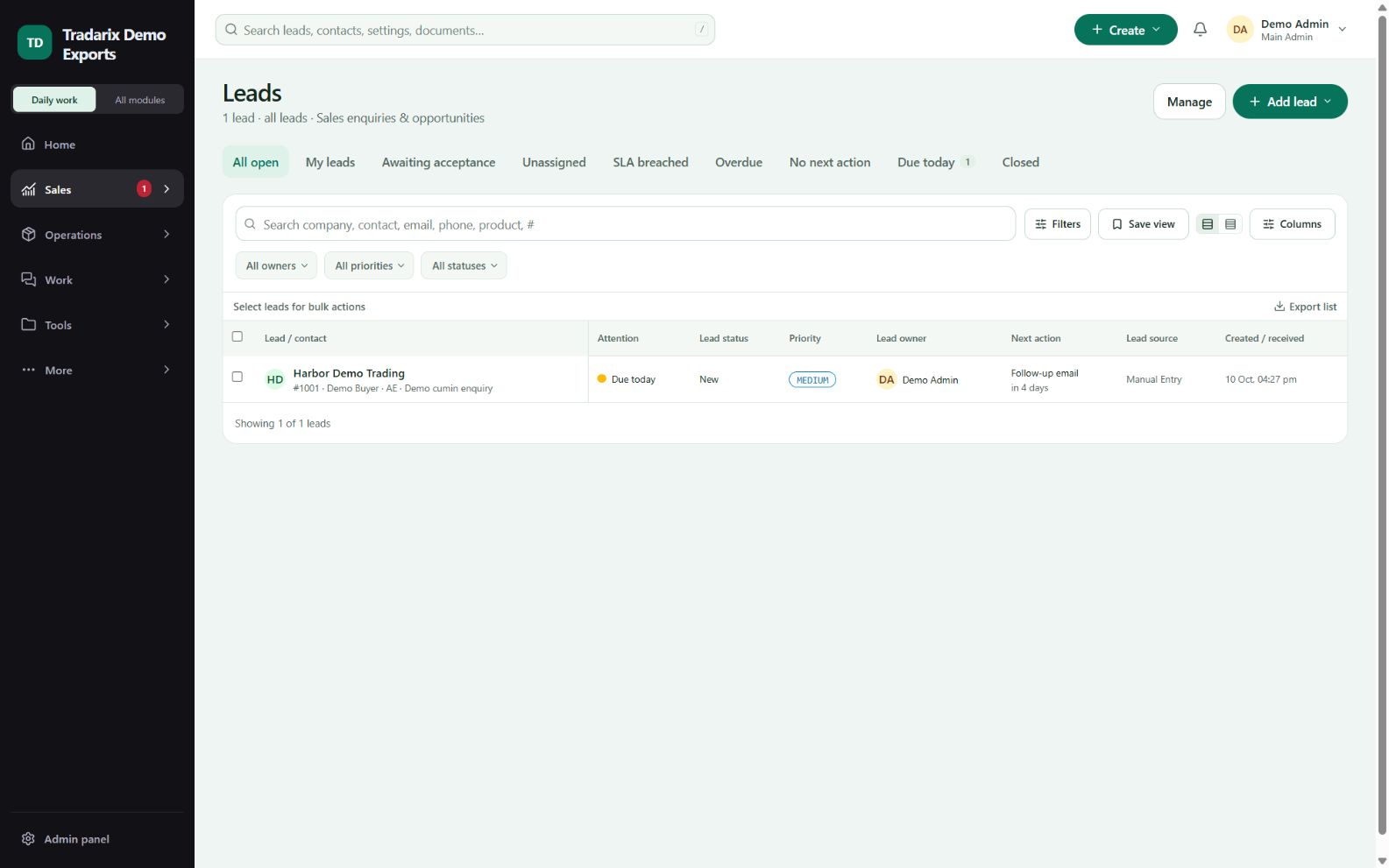
Step by step
Check the active view, search text and owner/status filters.
Clear filters to compare with the permitted unfiltered list.
Use available column controls or the detailed table when you need more fields.
Open the record to confirm full detail; use global search when locating a specific saved number.
Demo: clear a Completed filter before looking for an open task.
FAQ
Why did a record disappear from a list?
Check active filters, pagination, status and access/ownership scope, then search its saved number.
Read related guide →Reviewed 10 October 2026 · CRM 0.53.1