
Add 5 or 10 records together
Use manual batch entry for a small group of leads or contacts.
Where to go
Leads / Contacts → Create → Add 5/10 together
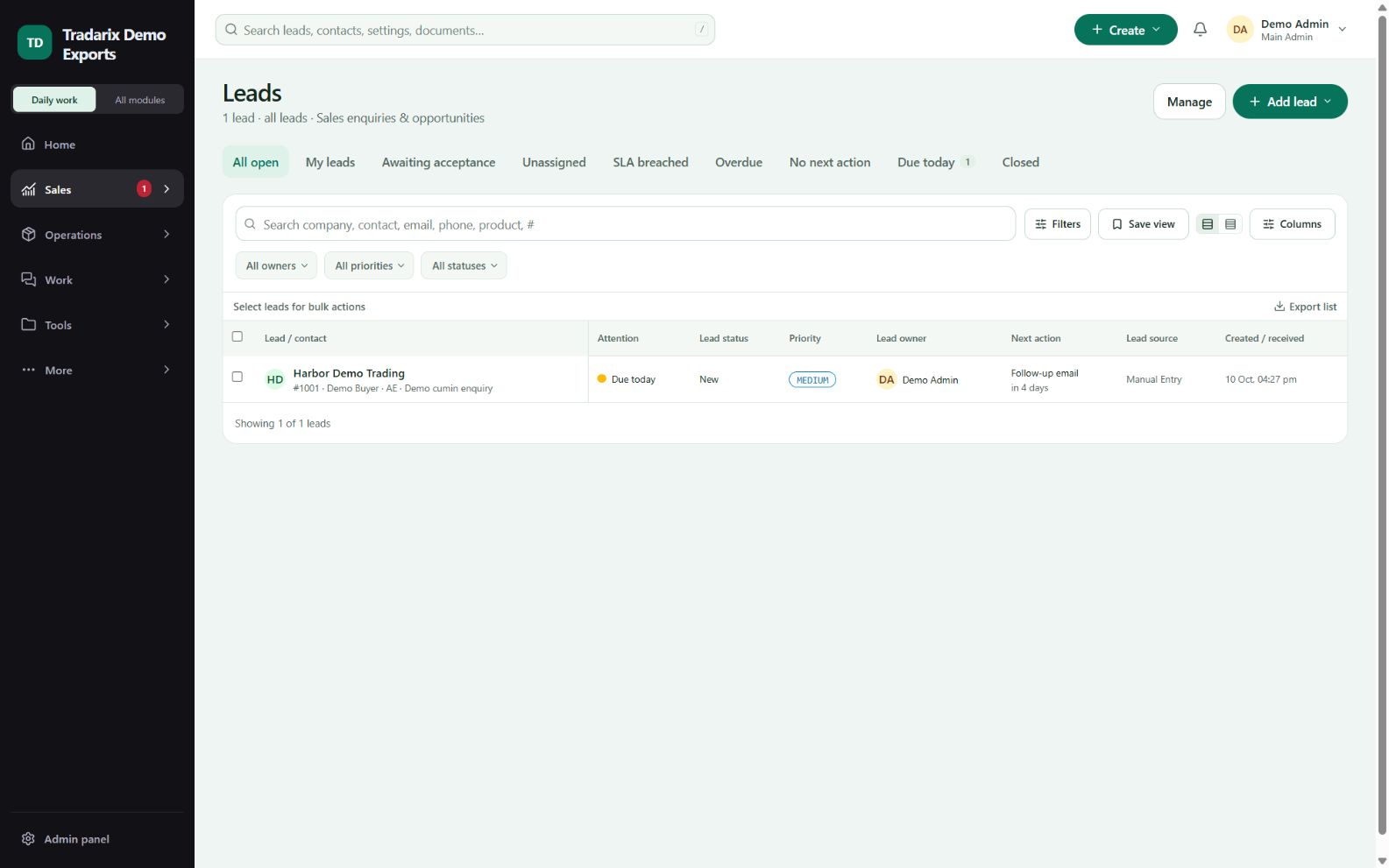
Step by step
Choose the correct directory: Leads for enquiries or Contacts for people.
Choose Add 5/10 together and select the fields needed in Fields / mapping.
Enter your records, then run the check/review step. Blank rows are skipped.
Fix row errors, save once, and verify the resulting records and duplicate skips.
Demo: enter 5 fictional contacts, leaving unused rows blank.
FAQ
What happens to empty manual batch rows?
Unused blank rows are skipped. Review validation before saving the filled rows.
Read related guide →Can the manual 5/10 entry update existing records?
It is create-only with duplicate skipping. Use the spreadsheet bulk-update flow for updates.
Read related guide →Reviewed 10 October 2026 · CRM 0.53.1