
Reporting teams, tasks & collaboration
Give work to the right people and review the right scope.
Admin → Users & roles / Work / My team
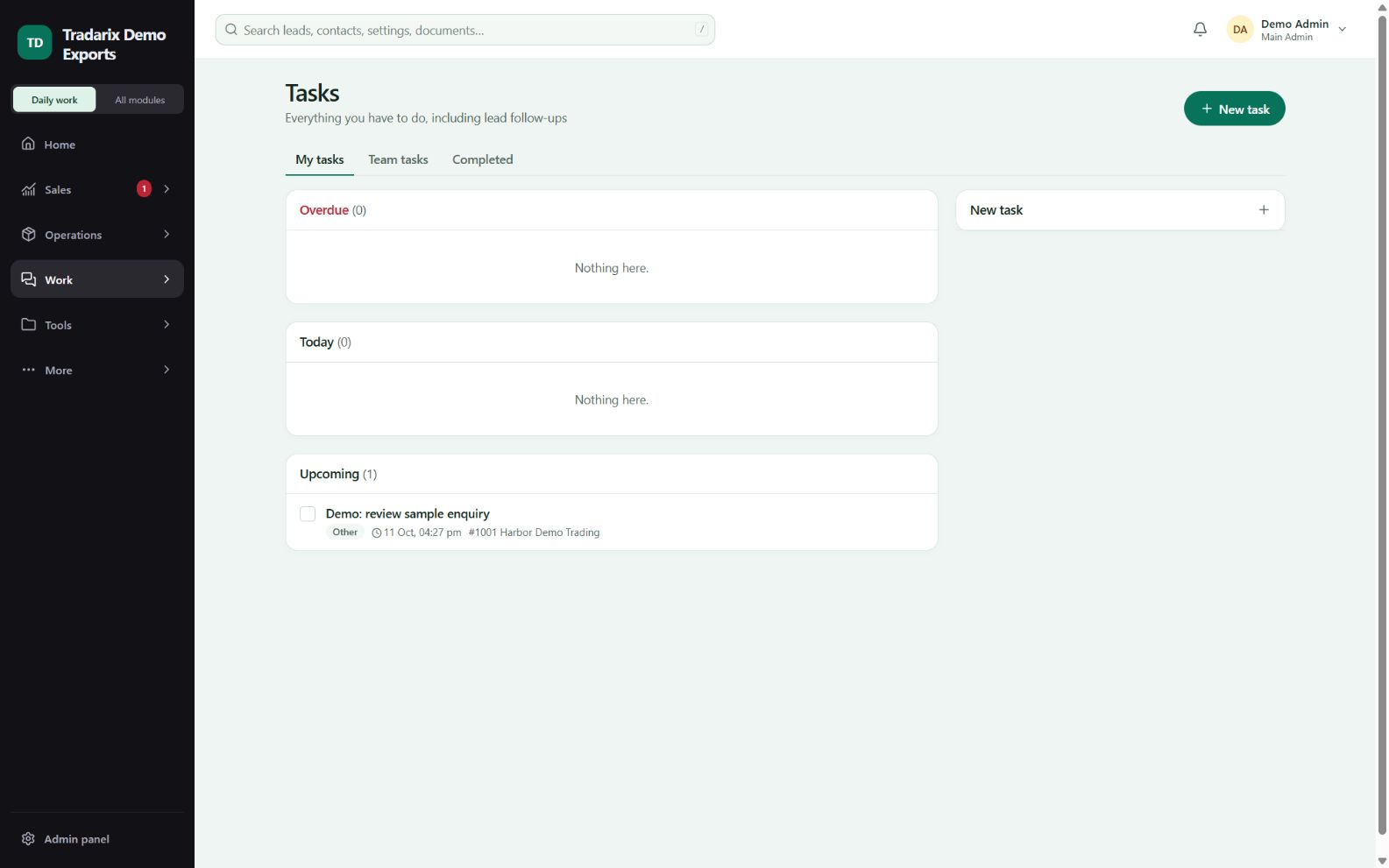
Step by step
Ask a permitted admin to assign each member’s reporting relationship and access role.
After a role/team change, sign in again to obtain the current permissions.
Create a task with a clear description, permitted assignee and due date. Reopen it after saving.
Use meetings, discussions, issues and team chat for their corresponding work. Review your team dashboard only for assigned scope.
Demo: a director has two sample executives reporting to them and assigns an internal follow-up task.
FAQ
Why does a changed role still look wrong?
Role/team changes revoke old sessions. Sign in again and ask the admin to check the access role separately from the job title.
Read related guide →Why is my team dashboard empty?
The admin must assign reporting relationships. A Director role alone does not create reporting members.
Read related guide →Reviewed 10 October 2026 · CRM 0.53.1