
Revise a quotation without losing history
Keep the earlier offer separate from the new proposal.
Where to go
Quote detail → revision action
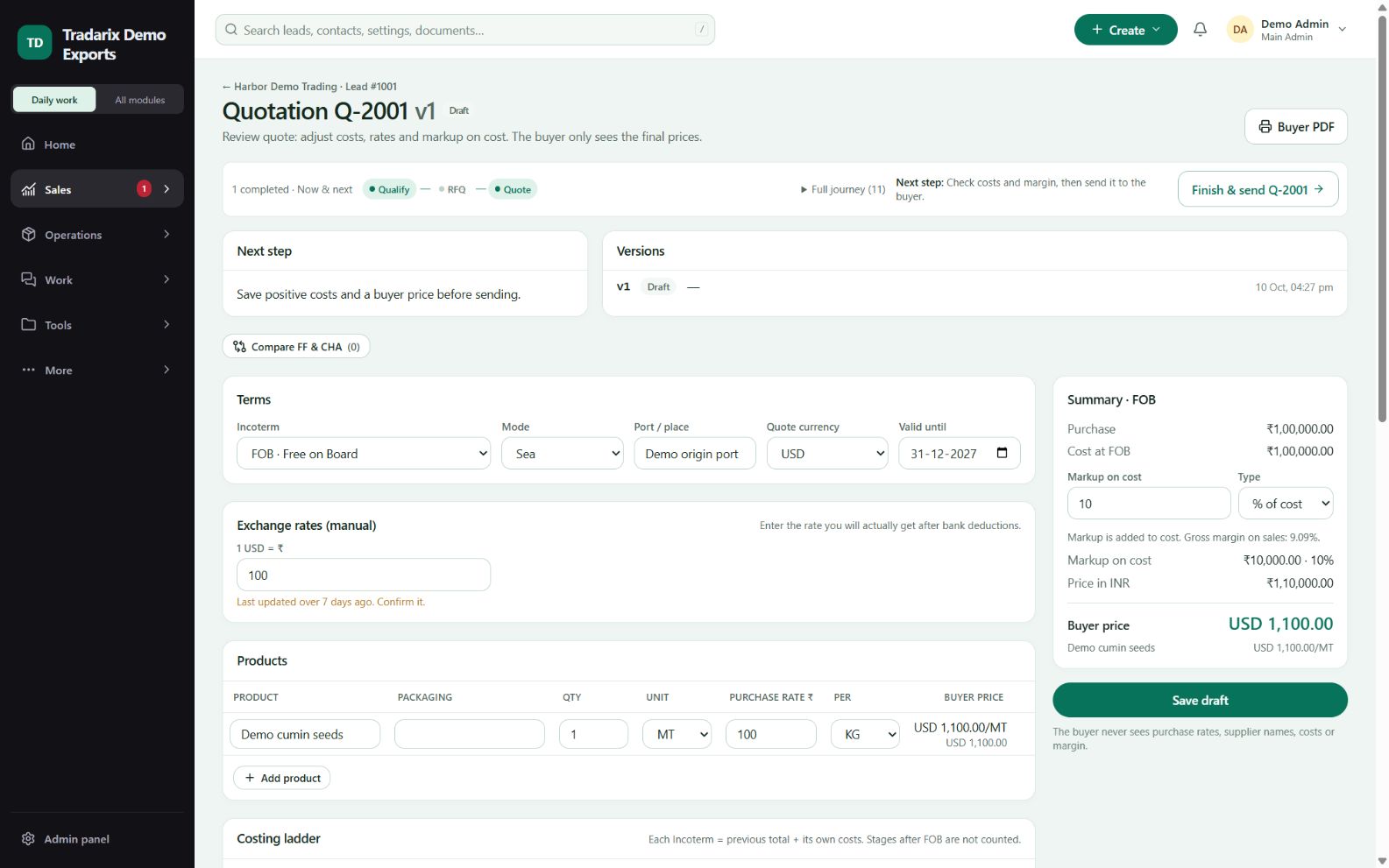
Step by step
Open the quotation and confirm which version the buyer received.
Use the revision action when a changed offer needs a new version.
Edit the new revision, save it and review its validity, products and terms.
Confirm the previous version remains in history and send the intended saved revision.
Demo: Q-2001 V1 remains available while a changed offer is prepared as V2.
FAQ
Will a revision erase V1?
The revision workflow retains earlier history; verify the intended current version before sharing it.
Read related guide →Reviewed 10 October 2026 · CRM 0.53.1