
Preview a buyer document & save PDF
Check exactly what will be visible to the buyer.
Where to go
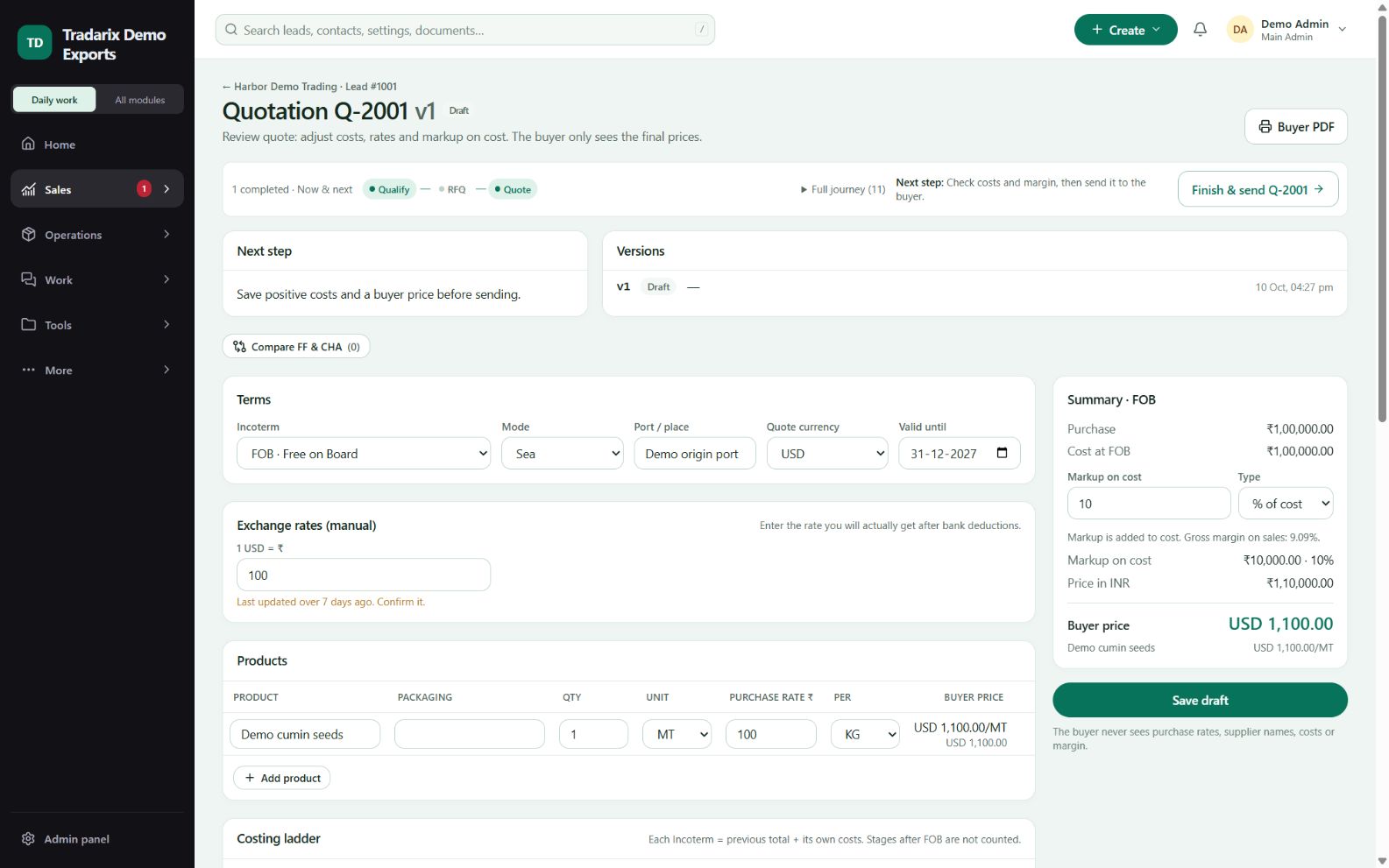
Quote / shipment → Preview / Buyer PDF
Step by step
Save and review the intended document or quotation first.
Open its buyer-facing preview and check company/buyer, products, quantities, currency and terms.
Check the selected bank account and supporting particulars.
Use browser Print → Save as PDF where offered. Reopen the PDF to review the final output.
Demo: verify a sample buyer PDF shows the intended currency and fictional bank instructions.
FAQ
How do I download a PDF from the preview?
Use the browser Print action and Save as PDF, then reopen the generated file to check its content.
Read related guide →Reviewed 10 October 2026 · CRM 0.53.1