
Forgotten password & verified admin reset
Recover access through the permitted account process.
Where to go
Login recovery / Admin → Users & roles
Step by step
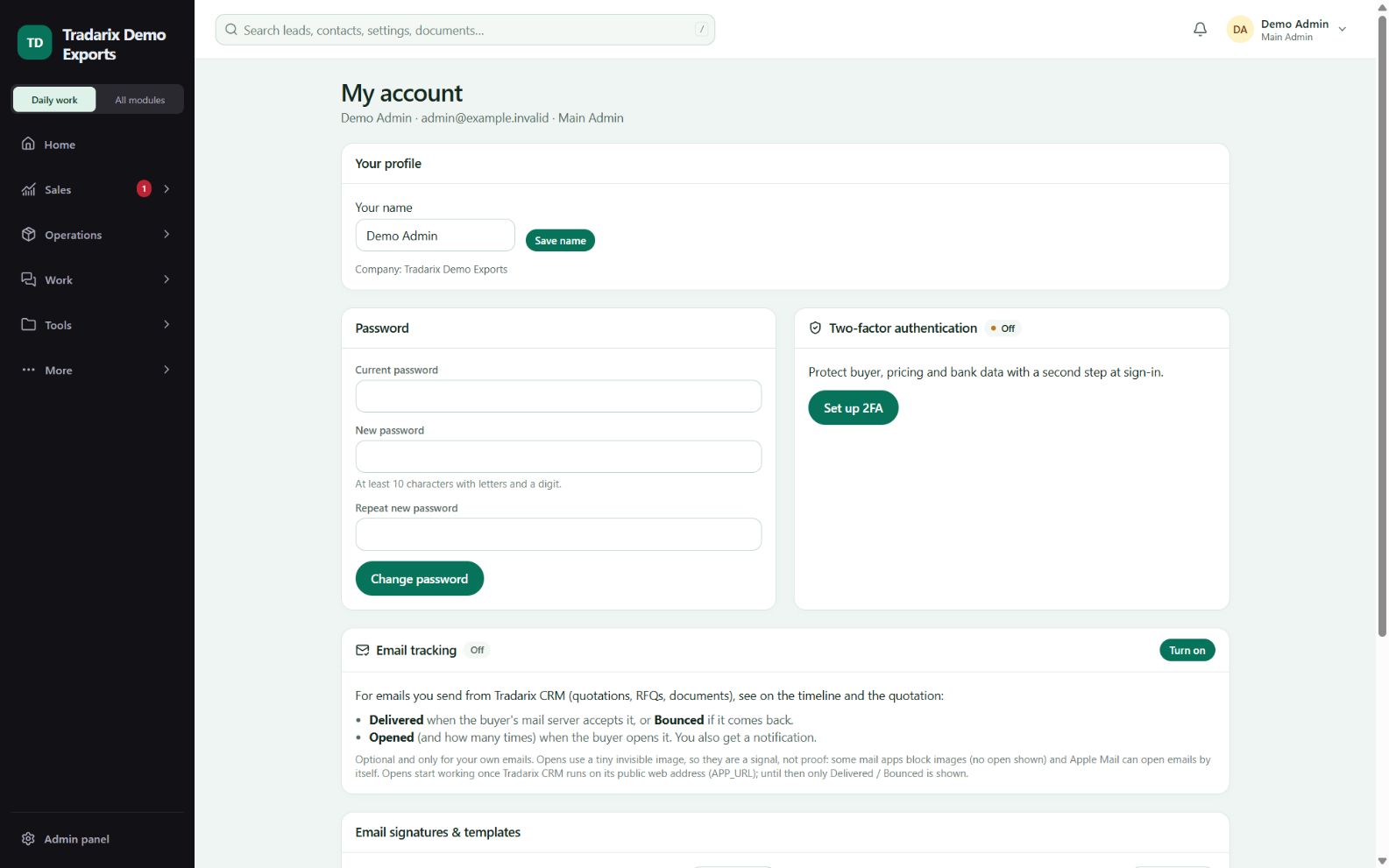
Use the available recovery action for your own account, or ask the company admin for help.
The authorised admin selects the correct user and verified reset action.
The admin completes the required password and enrolled authenticator verification.
Follow the fresh recovery/reset flow and set your own password. Sign in again after the reset.
Demo: recover a fictional employee’s account without sharing the admin password with them.
FAQ
Does a normal password reset remove my authenticator?
Ordinary verified reset retains MFA. Inactive-user reactivation has a different fresh-enrollment policy.
Read related guide →Reviewed 10 October 2026 · CRM 0.53.1