
Lead ownership, acceptance & first response
Understand who acts next and why a lead needs attention.
Where to go
Home → assigned work / Lead detail
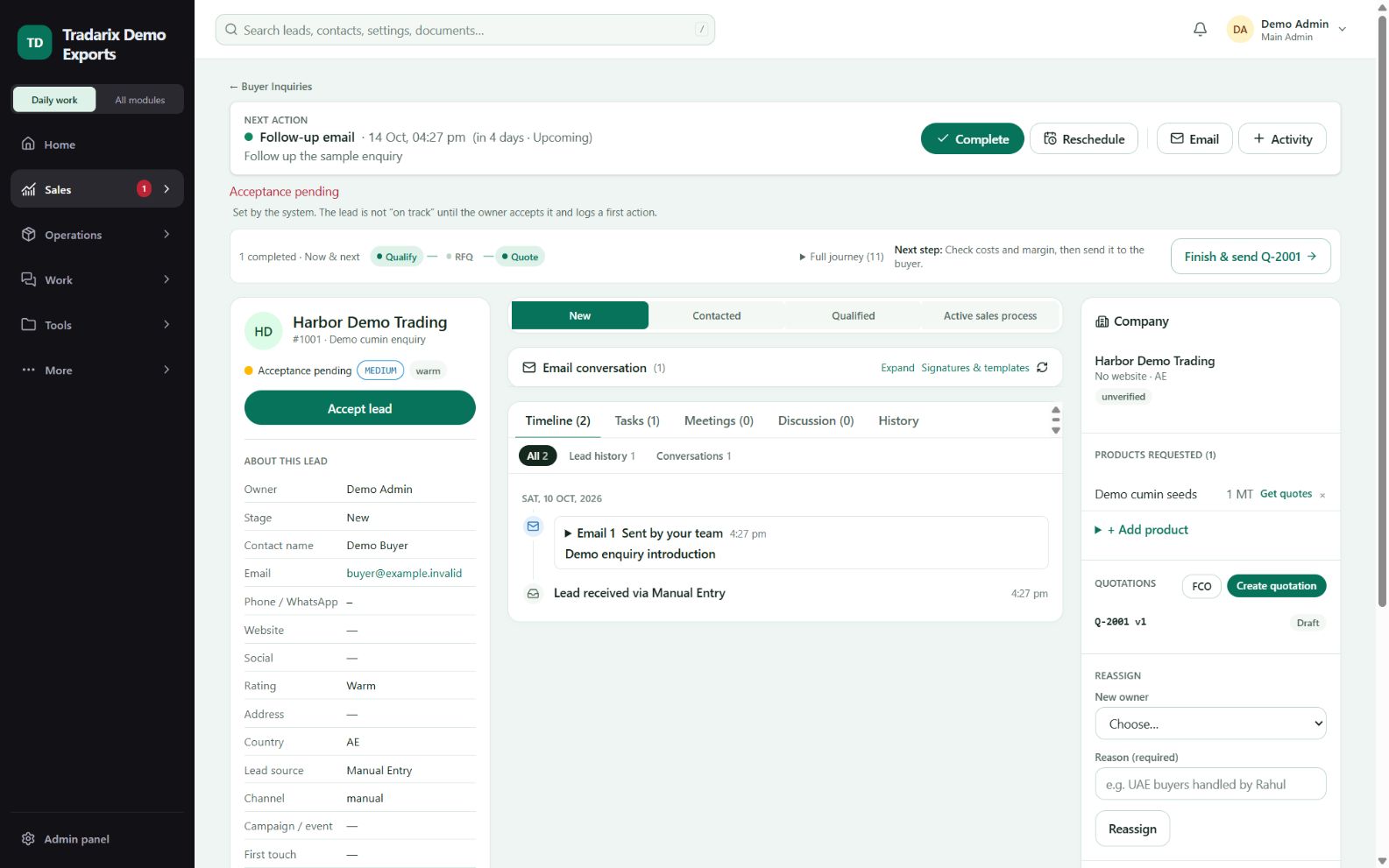
Step by step
Open the assigned lead and verify its owner before contacting the buyer.
Use Accept lead where offered; assignment and acceptance are separate events.
Contact the buyer and record the real outcome through Complete or Activity.
Set a future next action and confirm that acceptance/first-outreach attention is updated.
Demo: Demo Executive accepts an enquiry and logs an email before scheduling a 4-day follow-up.
FAQ
Why does First outreach pending remain after setting a date?
Scheduling is different from accepting a lead and recording real first contact. Complete the applicable acceptance/activity steps.
Read related guide →Reviewed 10 October 2026 · CRM 0.53.1