
Companies, contacts & pipeline
Keep people, companies and sales progress organised.
Where to go
Sales → Companies / Contacts / Pipeline
Step by step
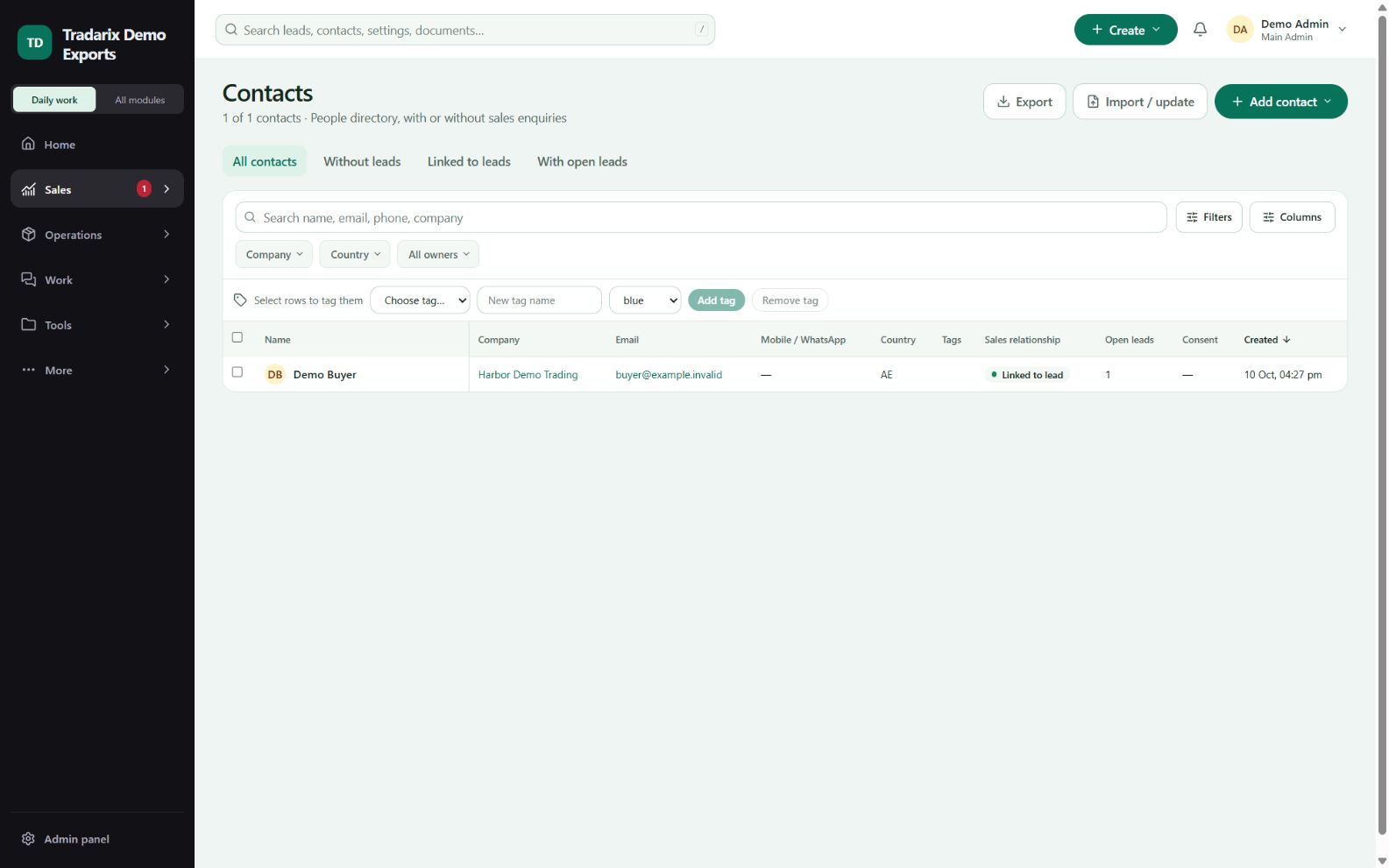
Use Companies for business records and Contacts for the people you communicate with.
Open a record to review linked enquiries and permitted communication history.
Use Pipeline to review lead stages and next actions. Apply filters for your current task.
If no matches appear, clear active filters before concluding the directory is empty.
Demo: one company may have two contacts and separate product enquiries.
FAQ
Does a draft quotation mean qualification is complete?
No. Qualification follows the saved lead stage/evidence, not just the existence of a draft.
Read related guide →Reviewed 10 October 2026 · CRM 0.53.1