
Connection status, retries & disconnect
Troubleshoot a saved integration using its actual health and test result.
Where to go
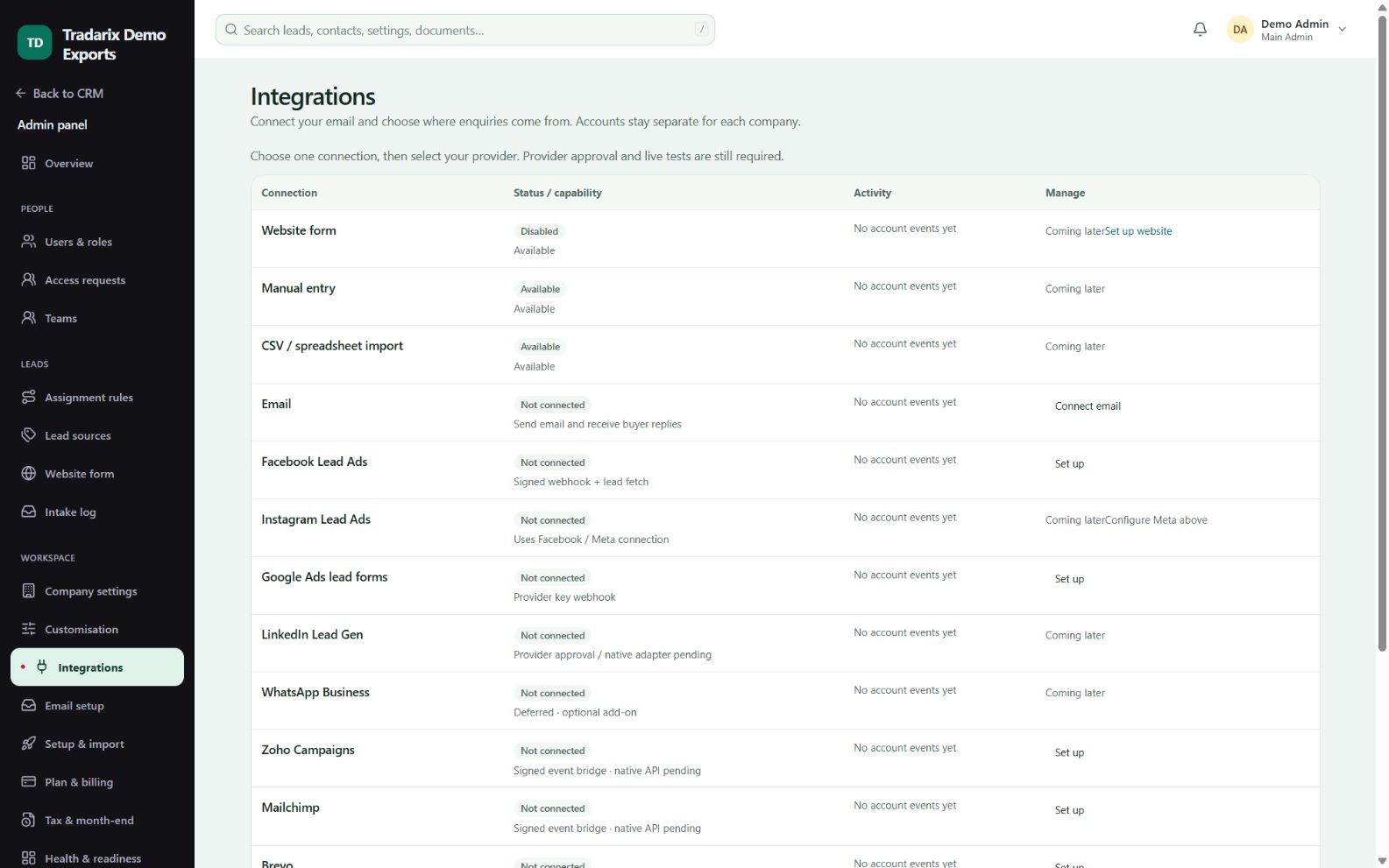
Admin → Integrations / lead sources
Step by step
Open the relevant saved connection and read its status and latest error.
Check that the selected provider, account and field mapping are correct.
Use the offered test/retry action after correcting the cause; review the result.
If access must end, use the authorised disconnect flow and provider-side revocation where applicable.
Demo: a fictional wrong mailbox password produces a failed verification, not a Connected status.
FAQ
Does a provider name mean it is connected?
No. Check actual saved status, provider approval and a controlled successful verification.
Read related guide →Reviewed 10 October 2026 · CRM 0.53.1